
Improve the connection between your device and game servers by identifying faster and more stable routes, significantly reducing lag.
Handle jitter and network instability issues, ensuring a smooth gaming experience even on weak or fluctuating networks.
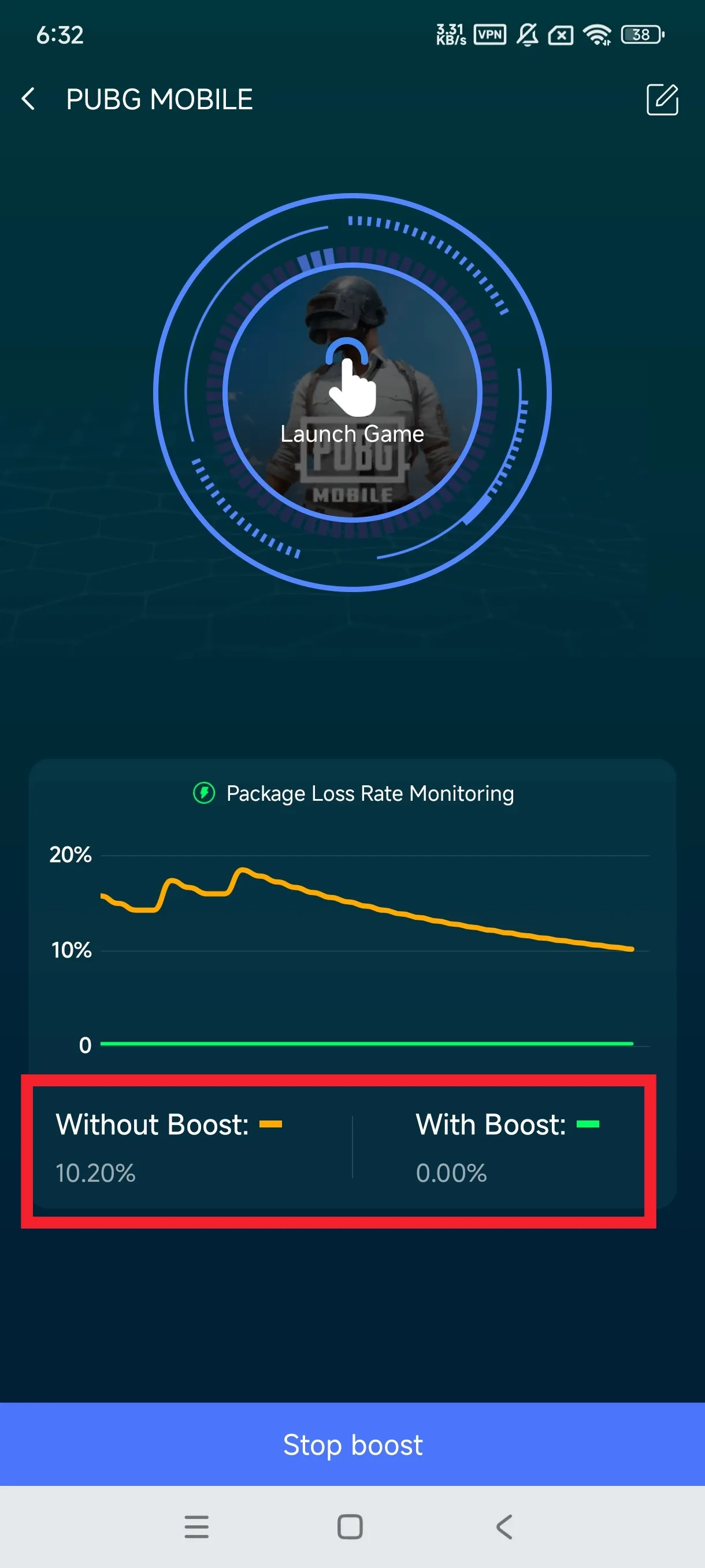
Patented multi-packet transmission technology reduces packet loss rate, preventing character teleportation, skill failure, and forced disconnection.
Supports smart dual-channel acceleration, mobile data will automatically become a backup when Wi-Fi is unstable.
Compatible with popular games such as MLBB, Free Fire, COD, Clash of Clans, Honor of Kings, Magic Chess and many more.
Made specifically for Indonesian gamers with optimized local servers, eliminating lag and disconnections caused by unstable networks.
Download and install Rocket Game Booster from Google Play or the local download link on this website (requires Android 6.0 or higher).
Open the app and allow the required VPN access (mandatory for game acceleration function).
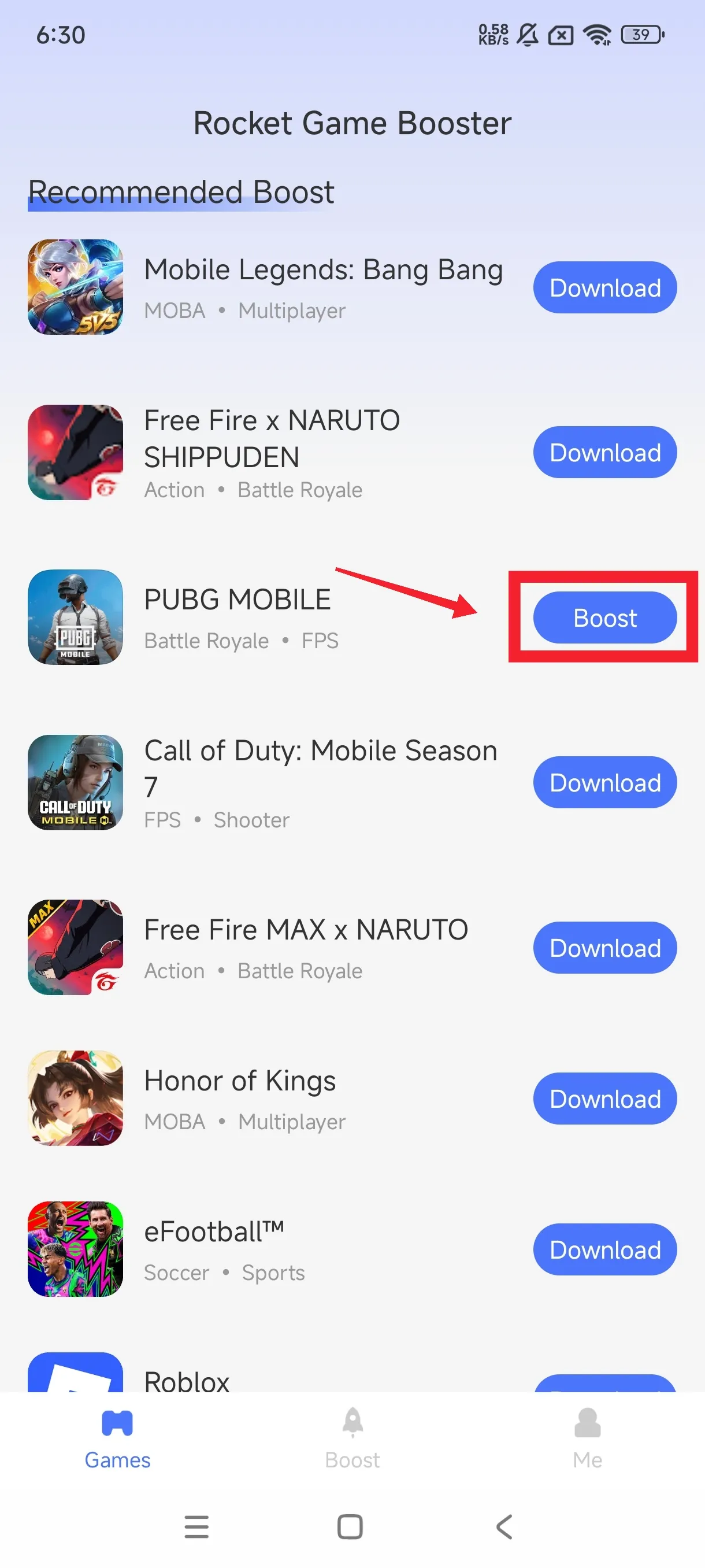
Select the game you want to accelerate from the list of available games in the app.
Click the "Boost" button to start acceleration, wait until the process is complete (usually just a few seconds).
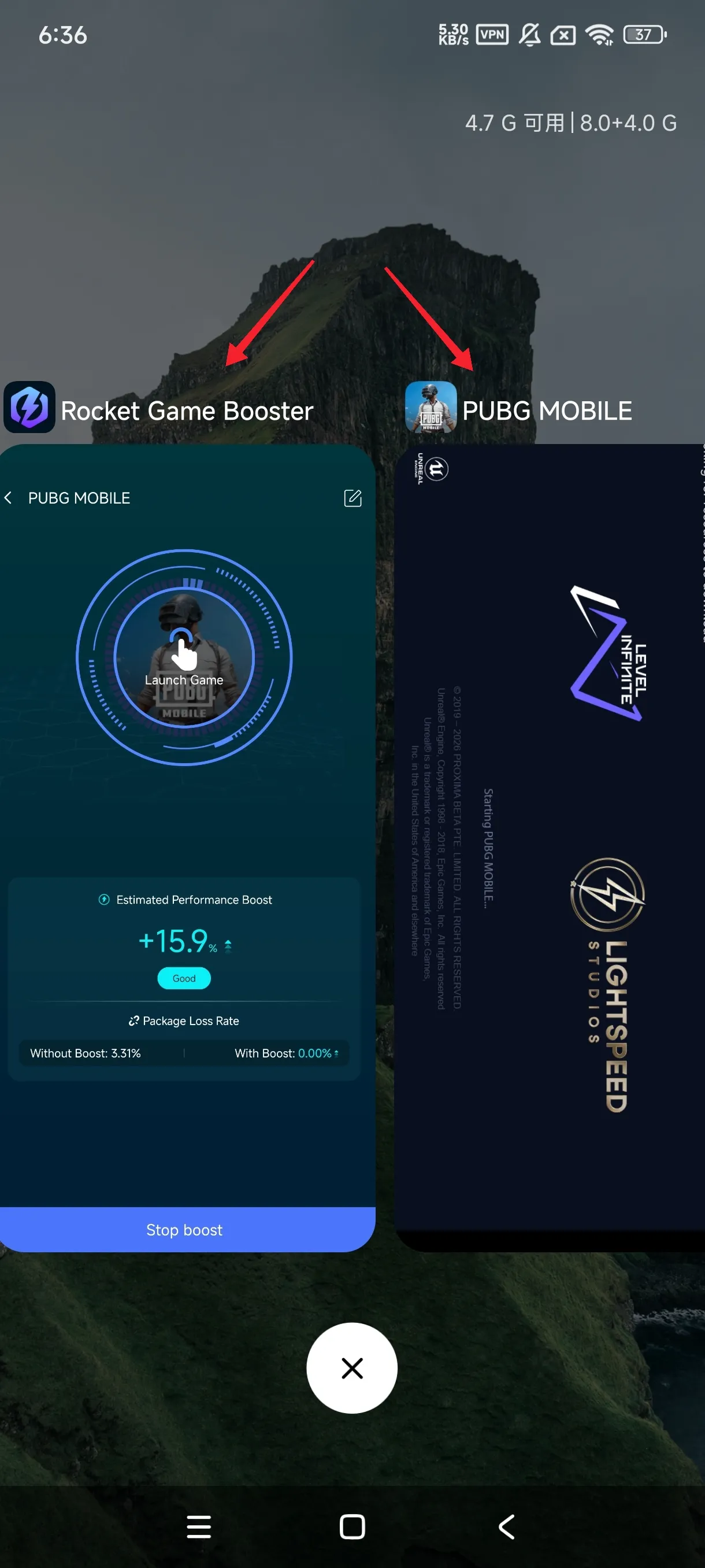
Open your game and enjoy a lag-free gaming experience without packet loss or disconnection!
In Indonesia, many gamers face unstable network issues when playing online games – lag, packet loss, and disconnections often occur, even on supposedly good networks.
Rocket Game Booster uses optimized Android VPN services specifically for games, not regular browsing. We focus on game traffic, with optimized tunnel routes to reduce latency, packet loss, and disconnections.
Our servers are local in Indonesia, so the distance between your device and the acceleration server is shorter, significantly reducing response time (ping). Unlike general accelerators, we understand the needs of Indonesian gamers and optimize every detail for the most popular games in this region.
Whether you are a fan of MOBA, FPS, SLG, or ARPG – if you are frustrated with lag and disconnections, Rocket Game Booster is the right solution to enhance your gaming experience.
On which devices can Rocket Game Booster run normally? Are there any requirements for Android phone brands?
Currently, Rocket Game Booster only supports Android phones and has no IOS version. As long as the Android phone system is 6.0 or above, it can run the game accelerator normally, whether it is Xiaomi, Samsung, OPPO, VIVO, Transsion, Motorola and other Android phone brands.


Rocket Game Booster offers a free version with basic features and a premium version with full features (unlimited acceleration, priority servers). The free version is sufficient for a smooth gaming experience for most gamers.
Yes! We use secure and encrypted Game Booster protocols to protect your data when playing games on public networks. We do not store your game traffic data, so your privacy is protected.
Rocket Game Booster is compatible with Android 6.0 (Marshmallow) or higher devices. For optimal performance, we recommend using a device with at least 2GB of RAM.
Lag can be caused by several factors: very poor cellular/Wi-Fi network, busy game servers, or your device not meeting the game specifications. Try changing the acceleration server in the app or check your network connection.